 IM Residency Tracker
Every internal medicine topic on one list.
And a record of which ones you have finished. You tick topics off as you study them. From then on the app decides when each one comes back for review, so you stop carrying that schedule in your head. A timer logs the hours, and your rotation calendar decides what moves to the top this month.
Open beta. Anyone can create an account. Free while it is in beta, in the browser on a phone or a laptop. On an iPhone you can add it to your Home Screen.
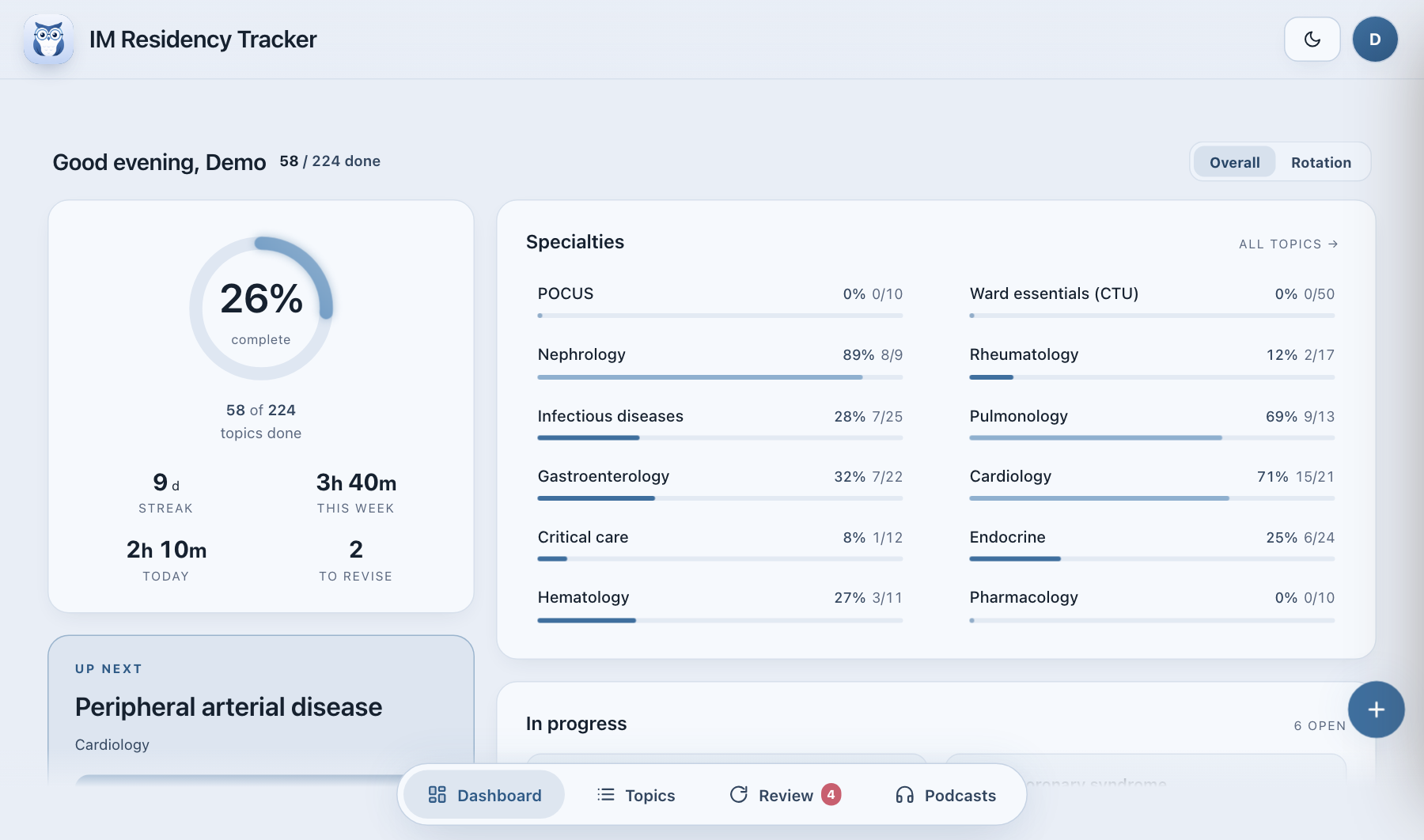
The top of the dashboard, drawn from a demo account partway through PGY-2.
The list and the scheduler are the product.
200 topics in 11 specialties, written once and kept stable. Every account gets the same list, so a percentage means the same thing in PGY-1 as it does in PGY-3, and it does not change under you between rotations.
Hide the ones your programme skips. The rest is a checklist that still remembers what you covered long after you have forgotten reading it.
The other half is the scheduler, just below. It decides when each finished topic comes back, so the list never goes stale in your head.
- 1Ward essentials (CTU)31
- 2Nephrology18
- 3Rheumatology17
- 4Infectious diseases20
- 5Pulmonology16
- 6Gastroenterology22
- 7Cardiology20
- 8Critical care14
- 9Endocrine29
- 10Hematology13
- 11POCUS9
Counts are from the current catalog.
You never decide when to review. It does.
The moment you mark a topic done, it goes on a schedule. Tomorrow it asks you about it once. Then in a week, then three, and the gaps keep stretching for as long as you keep remembering.
That is the part of studying that quietly eats a resident's attention: a second list in your head of what you read and when it needs another pass. The app keeps that list for you. In the morning it shows the few topics that are due, you rate each one, and it sets the next date. Say "again" and the topic comes back tomorrow, say "hard" and the gap grows slower.
It runs on topics, not flashcards, so most mornings the queue is a handful of names.
- 2 Sepmarked done
- 3 Sepnext day
- 9 Sepa week
- 24 Sep3 weeks
- 1 Nov5 weeks
- 4 Feb3 months
One topic, finished on 2 September and remembered well at each review. These are the dates the app would set, computed with its own scheduling code, not a sketch.
How a week goes
- Enter your block schedule once.On a Cardiology month the Cardiology topics move up, with a short window to prepare before the next block starts.
- Mark each topic as you go.Not started, in progress, done. Start the timer while you read and the minutes are logged against that topic.
- Rate it when it comes back.A short queue in the morning. Say how it went and the next date is set for you.
Everything else in it
- Spaced repetition
- Built in and on by default. It works on whole topics, which keeps the morning queue short.
- Focus timer
- Pomodoro or open-ended. Minutes go to the session log and the weekly bar, and the streak counts the days you showed up.
- Rotations
- Enter the blocks once. The dashboard changes its lens with each rotation and nudges you before the next one begins.
- Podcasts
- Episodes from three IM podcasts, filed under the specialty they cover. Mark one as listened and it counts toward the topic.
- Heatmap and log
- A year of study days at a glance, with the full session log underneath when you want the detail.
- Light and dark
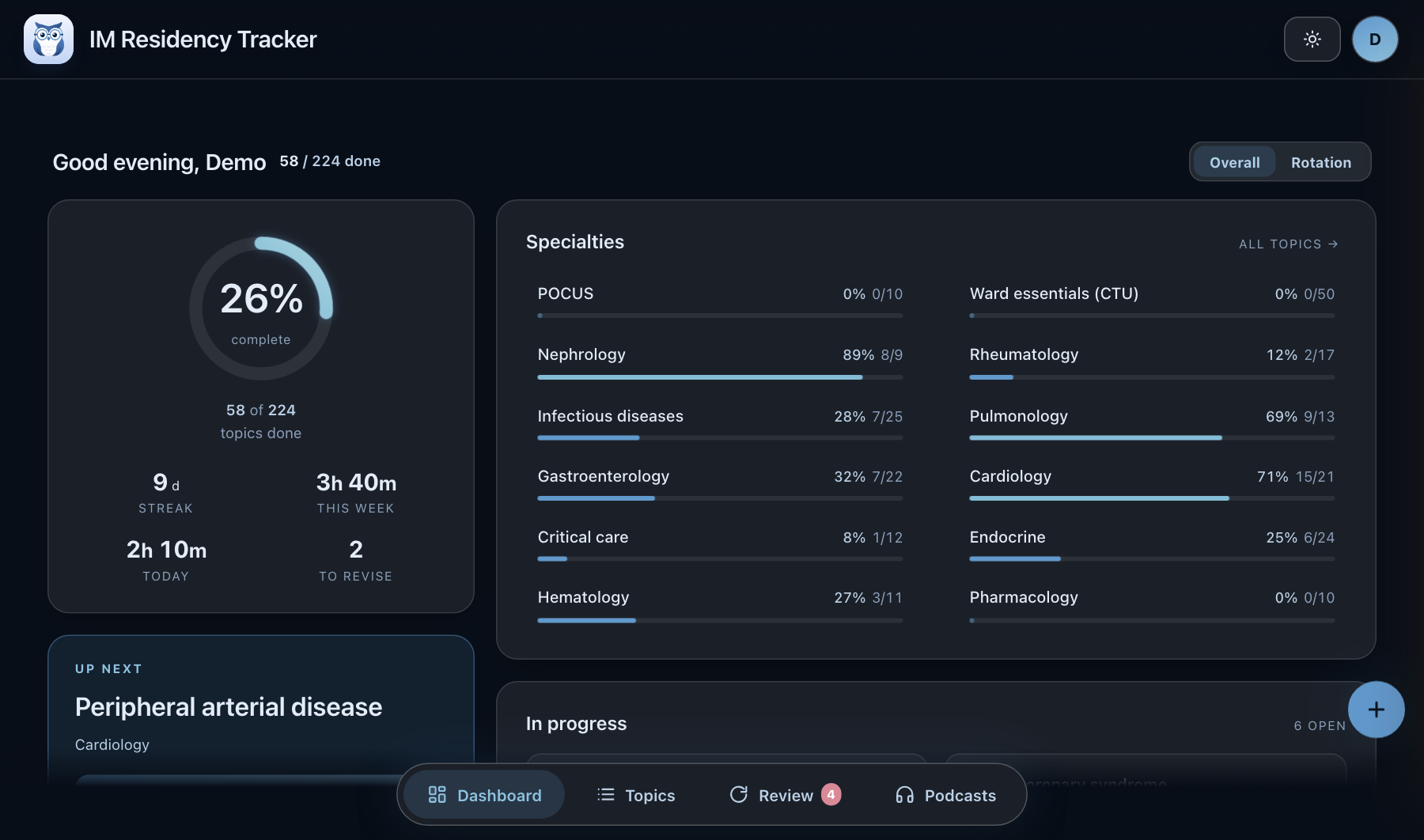
- Seven palettes, each in both. Blue is the default and the one on this page.
Who it is for
Internal medicine residents, any year, who study by topic and want a record that survives the change of rotation. If your programme runs on blocks and you keep losing track of what you covered three months ago, this is that record.
It holds no reading of its own and there is no question bank. The studying is still yours. If you want cards or a syllabus written for you, this is the wrong tool.
Your data
Everything you enter can be downloaded as a zip from Settings, any time. You can delete the account yourself, there is no email to send first.
The server runs in the European Union. No analytics script, no advertising and nothing from a third party loads on this page or in the app. The details are on the privacy page.
Open beta, no invite needed. Free while it lasts.